Event Strategy
Part of Event experience and engagement
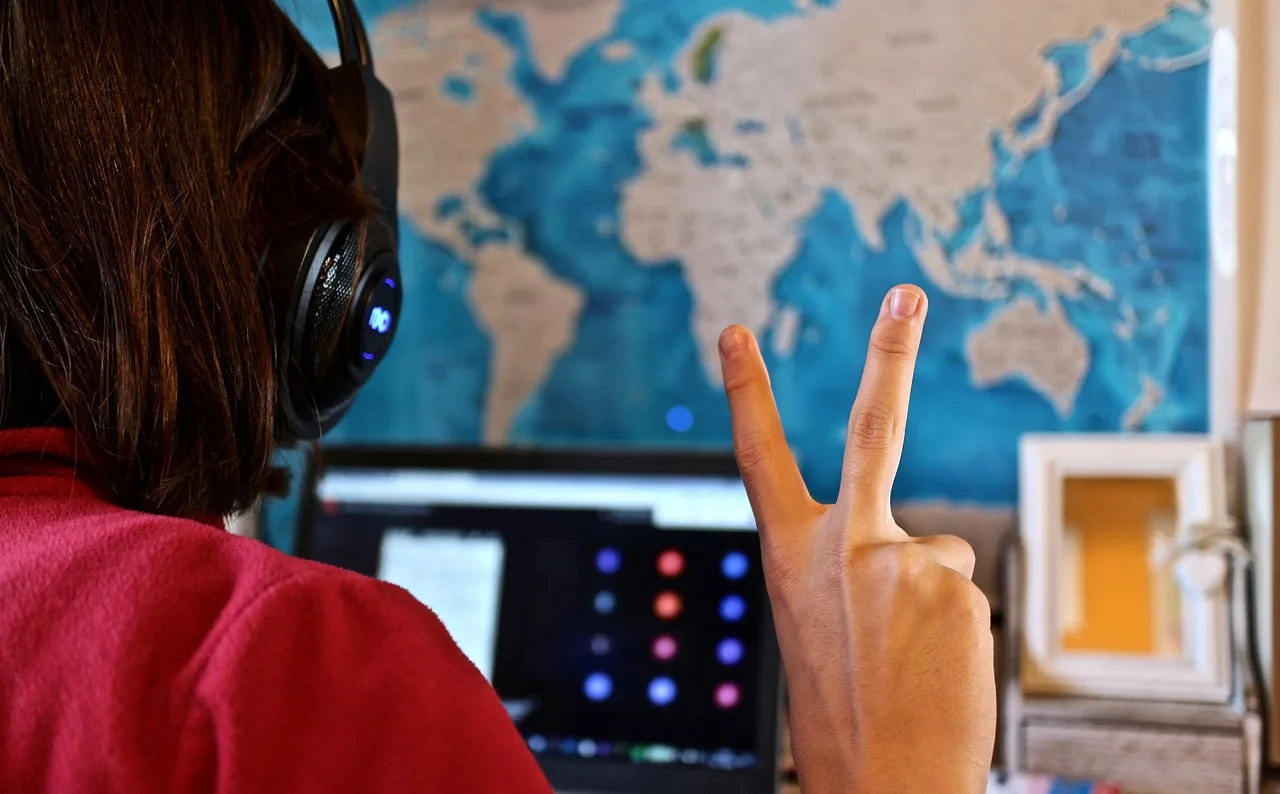
Making an event accessible to remote participants
Plan remote access to event content, questions and help, then check audio, captions, materials and participation from the attendee's view.
Remote participants need access to the content, the live discussion and help when something fails. For a hybrid event, check what the microphones, captions, shared materials and moderator deliver to someone outside the room. A stream that loses audience questions does not carry the full session.
Plan access before the event
Give attendees a way to tell you about access requirements, and a contact who can respond before and during the event. Send joining instructions, the agenda and accessible materials in advance. State the time zone and whether remote attendees can ask questions, join groups or only watch a broadcast. Do not promise interaction the production plan cannot provide.
Consider platform accessibility, advance materials, a troubleshooting contact, captions and an alternative phone connection. Ask about needs such as live captioning or Auslan interpretation early enough to make arrangements. A phone connection may help with unreliable internet but may omit visual content or interactive features; explain what it offers if you provide one.
Pre-Event Accessibility Checklist for Remote Participants
- Provide a contact for access requirementsYes
- Send joining instructions and agenda in advanceYes
- Confirm time zone and participation rules (e.g. Q&A, group chat)Yes
- Offer live captioning or Auslan interpretation if neededYes
- Provide accessible materials (e.g. PDFs, documents) in advanceYes
Carry the room discussion online
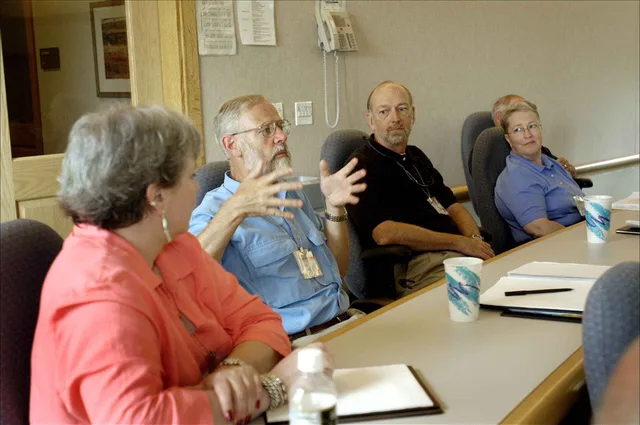
Use a microphone for speakers and audience questions. If a question is missed, have the moderator repeat it before the answer. Identify speakers aloud and describe important information shown only on a slide, demonstration or show of hands. Monitor remote questions and bring them into the room at stated points.
Arrange captions for live speech and check that prerecorded videos have captions. Automated captions can make errors, including with names and specialised terms; decide how to meet participants' needs rather than assuming an automatic setting is enough.
Give captioners and interpreters preparation material. W3C's remote meeting note identifies preparation and advance distribution of accessible supporting documents as part of meeting accessibility, so provide accessible files directly as well.
Ensuring Inclusive Participation During the Event
- Use microphones for all speakers and audience questionsRequired
- Moderator repeats unanswered questions before answeringRequired
- Identify speakers aloud and describe visual contentRequired
- Monitor remote questions and integrate them into discussionRequired
- Verify captions are live and accurate; check prerecorded video captionsRequired
Check the participation route
Assign someone to watch remote chat or Q&A when the moderator cannot do that while managing room speakers. Tell attendees when questions will be taken and what will happen to unanswered ones. For small-group activities, explain how people enter and leave and offer another way to contribute if the chosen tool is inaccessible.
Rehearse using the same link and account type remote attendees will use. Check room audio, captions alongside slides, delivery of a chat question to the moderator and the help contact's response route. Repeat relevant checks after changes to the venue, platform or program.
Testing the Remote Participation Route
- Rehearse with same link and account type as remote attendeesRecommended
- Check room audio, captions, slide sync, and chat delivery to moderatorRequired
- Test help contact response routeRequired
- Repeat checks after any changes to venue, platform or programRequired
Follow up on access
If you offer a recording, check its captions and provide a transcript or accessible materials where the presentation relied on visuals. Tell attendees when resources will be available. Ask remote participants where they could not follow or contribute, then use those accounts to improve the next event.
Post-Event Access Follow-Up Actions
- Recording availability
- Check captions and provide transcript if visuals were used
- Accessible materials delivery
- Provide accessible files where visuals were key
- Feedback collection
- Ask remote participants about access challenges