Event Strategy
Part of Event experience and engagement
Designing useful audience questions during a session
Write session questions with a clear purpose, neutral wording and a response route that works for room and remote attendees.
Give each audience question a purpose. An answer might shape the next example, reveal a useful difference in experience or help participants apply a point. Decide what the facilitator will do with the responses before asking.
Give each question one job
Near the start, ask about the situations people face: “Which decision are you working through?” After an explanation, test its use: “Which condition would change your choice?” An open question can bring out a case the speaker has not covered. These prompts need different response options and time allowances.
Draft the follow-up with the question. If responses split, what distinction will the moderator draw out? If nobody responds, how will the session continue? Remove a prompt if its answers will neither inform the discussion nor help participants reflect.
Make it answerable
Ask about one thing at a time. “How clear and practical was the framework?” combines two judgements. Ask about clarity or practicality, or separate them if both matter.
Avoid leading language such as “How valuable was that excellent framework?” Include “not sure” or “not applicable” when either is a valid answer.
Keep live choices short enough to display and read aloud. Say whether participants should choose one option or several. A hypothetical case may let people discuss a sensitive decision without disclosing their organisation's details.
Australian Bureau of Statistics guidance for survey forms warns against double-barrelled questions. Live prompts are less formal, but that wording risk still applies. Rehearse the prompt with someone unfamiliar with the session to find terms that need explaining.
Accessibility Guidelines from Australian and International Sources
- ABS Forms Design Principles
- Avoid double-barrelled questions in surveys
- W3C Accessible Presentations
- Ensure all participants can engage regardless of ability
- Australian Human Rights Commission
- Guidelines for inclusive online meetings and events
Plan the response route
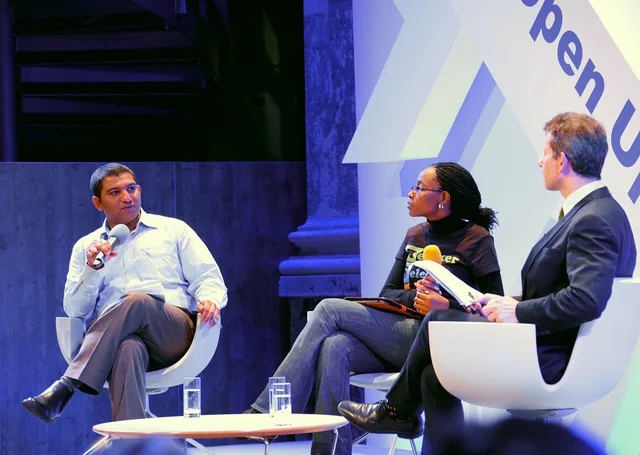
Say the question aloud, show it in readable text and allow thinking time. In a hybrid session, explain how people in the room and online can respond.
Assign someone to monitor remote chat and relay contributions through the microphone before the speaker answers. W3C event guidance notes that some audience members might not be able to see, hear, move, speak or understand information in some ways; provide another route when needed.
A moderator cue sheet can record each question's purpose, response route, time allowance and follow-up. Use questions where their answers matter, and make a plan for points the session cannot cover.