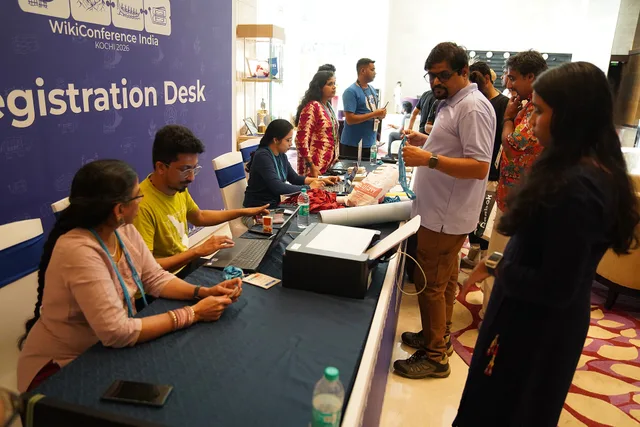

Registration Pages
Part of Event landing pages and registration
Asking only necessary questions on a registration form
Decide which event registration fields are required, optional or better asked later, with a clear purpose for each answer.
Give every registration question a purpose before making it required. Ask only for what is needed to book the person, deliver the event or respond to a request they choose to make. If an answer has no defined use, remove the field or ask later for a separate purpose.
Map fields to booking tasks
List the actions that depend on answers: confirm a place, send joining details, allocate a session, arrange catering or respond to an access request. Then identify the smallest useful answer for each action.
A name and email address may suit a simple online briefing; an in-person workshop with limited breakouts may also need a session choice. Neither example is a universal field list.
- What action will this answer support?
- Who needs it, and when?
- Could the person register without giving it now?
Information useful for later audience analysis or sales may have a separate purpose. That alone does not make it compulsory for the booking.
Three checks before making a registration field required
- What action will this answer support?Match the question to booking, delivery or an access request.
- Who needs it, and when?Identify the team or system that will use the answer, and at what point.
- Could the person register without giving it now?If yes, remove the field or ask later for a separate purpose.
Decide what is required, optional or later
| Proposed question | Possible decision | Reason |
|---|---|---|
| Contact route for confirmation | Require the route used to deliver booking details | The attendee needs to receive them. |
| Breakout choice | Require it only if places must be allocated now | Selection may otherwise happen later. |
| Dietary requirement | Offer it when catering makes it relevant | Ask only what is needed to arrange food. |
| Access requirement | Offer a request route and private contact option | Do not require a diagnosis in a general form. |
| Job title or phone number | Omit, make optional or assess as a separate purpose | Neither is automatically needed to attend. |
Payment, eligibility or a regulated setting may call for other information. Record the reason for each compulsory field rather than copying a template.
Under the Australian Privacy Principles, APP 3 sets out when an APP entity may collect solicited personal information and contains different requirements for the collection of sensitive information compared to other types of personal information. An APP entity may only collect sensitive information where the APP 3 conditions are met and the individual concerned consents to the collection, unless an exception applies.
APP 5 requires reasonable steps to notify people of relevant collection matters or ensure they are aware of them. Whether an organiser is covered, how an answer is classified and what notice is needed depend on the actual collection.
Decide what is required, optional or later
- Contact route for confirmationRequire the route used to deliver booking details — the attendee needs to receive them.
- Breakout choiceRequire only if places must be allocated now; selection may otherwise happen later.
- Dietary requirementOffer when catering makes it relevant; ask only what is needed to arrange food.
- Access requirementOffer a request route and private contact option; do not require a diagnosis in a general form.
- Job title or phone numberOmit, make optional or assess as a separate purpose; neither is automatically needed to attend.
Write questions people can answer
Use a visible label, mark required fields and explain unusual formats beside the field. A focused access prompt tells people why they are asked; a direct contact route lets them discuss a request privately. Avoid a single free-text box for several unrelated purposes.
Keep booking separate from optional future promotion. If later marketing is proposed, identify who would contact the attendee and what for. Do not present that choice as necessary for registration when it is not.
Question-writing checklist for registration forms
- Use a visible label
- Mark required fields
- Explain unusual formats beside the field
- Ask access questions with a clear purpose
- Provide a direct private contact route for access requests
- Avoid one free-text box for unrelated purposes
- Keep booking separate from optional future promotion
- Do not present an optional marketing choice as necessary for registration
Follow each answer to its user
Before launch, trace each field to the person or system that will use it. Check that the confirmation, check-in team, caterer and session host receive only what their roles require. Remove questions whose purpose has disappeared.
After the event, review which answers were used and which questions caused confusion before building the next form.
Follow each answer to its user before and after launch
- Trace each field to the person or system that will use it
- Check that confirmation, check-in, caterer and session host receive only what their roles require
- Remove questions whose purpose has disappeared
- After the event, review which answers were used and which questions caused confusion before building the next form
Further reading: Style Manual (stylemanual.gov.au).